
What is Woggle Roundtable?
Woggle Roundtable at roundtable.woggleapp.com gives every unit, leader, and family a seat at the table. Ask a question, follow up on a request, suggest a feature, vote on what matters to your unit, and see what the Woggle team is building next.
Woggle is built by Scouters and run by the Woggle team. The roadmap is open for everyone to read.
Choose what you need
Section titled “Choose what you need”| To | Use | Guide |
|---|---|---|
| Get an answer, or help from a person | Get help | Ask Powell or the Woggle team |
| Check on something you already asked | Get help | Follow up on a support request |
| Suggest an idea or report a bug | Feedback | Suggest an idea or report a bug |
| See what is planned and what just shipped | Roadmap and Changelog | See what’s coming to Woggle |
For questions about your own unit, such as an Event time, a Group, or who’s in a den, ask a Unit Admin or Leader. Roundtable is for questions about Woggle itself.
Find Roundtable in Woggle
Section titled “Find Roundtable in Woggle”In the app, open More and scroll to Help. Feedback opens the idea and bug boards, Get help opens your support requests, and Latest updates shows what is new in Woggle.
On the web at web.woggleapp.com, Get help, What’s new, and Feedback are at the bottom of the sidebar.
In a browser, go to roundtable.woggleapp.com. Anyone can read the boards, the roadmap, and the changelog. Select Sign in to use your Woggle account.
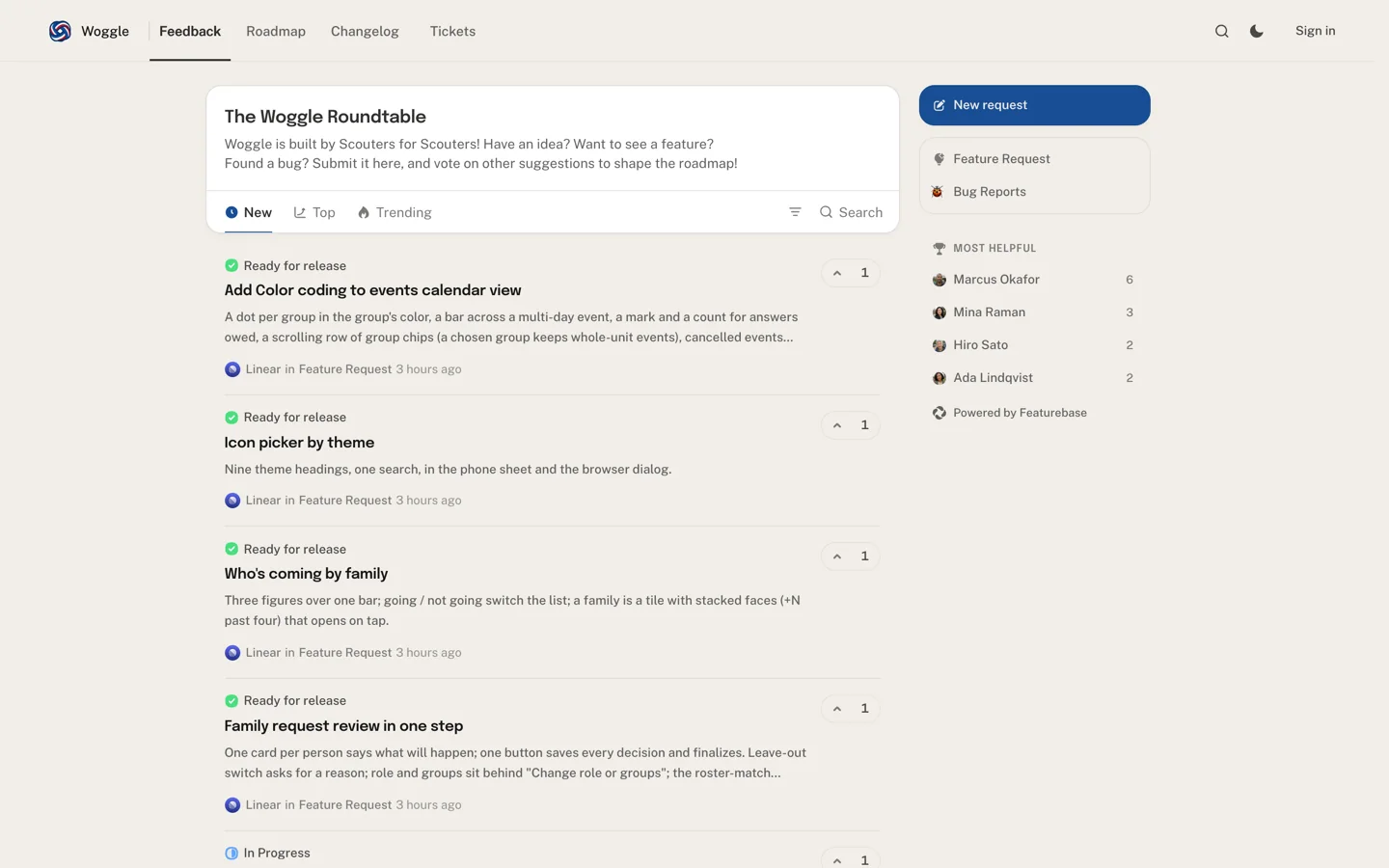
Every post shows its status and how many people want it.
Sign in with your Woggle account
Section titled “Sign in with your Woggle account”Roundtable uses your Woggle account, so there’s no separate password. In the app and on the web, Woggle signs you in when you open Get help or Feedback. At roundtable.woggleapp.com, select Sign in, then Continue to Woggle, and sign in at web.woggleapp.com. Woggle brings you straight back.
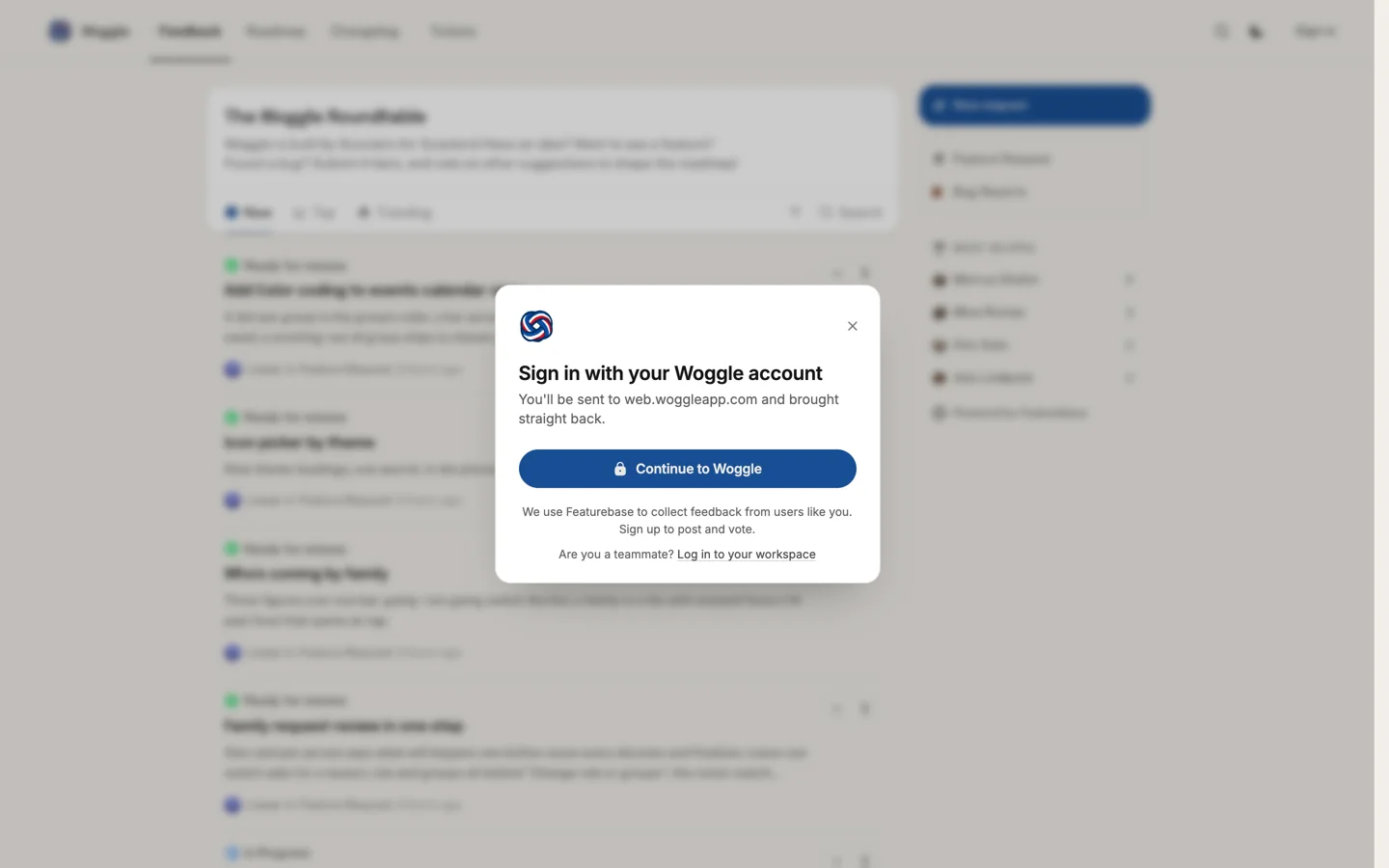
Use the same email, Apple, or Google sign-in you use for Woggle.
Meet Powell
Section titled “Meet Powell”Powell is the Woggle assistant. Powell answers questions from these Woggle guides right away, any time of day. When you need a person, the Woggle team picks up the same conversation. Ask Powell from Get help on the web, or select the chat button in the lower-right corner of any guide or the Support page. Powell isn’t in the phone app. There, Get help sends your question straight to the Woggle team.
Thanks. Your feedback helps us keep this page useful.