
Start with the system, not the scramble.
Reliable Scout events are built in layers: the annual calendar gives families notice, the event page turns a date into a plan, the RSVP creates a usable count, and focused follow-up closes forms, transportation, gear, and volunteer gaps.
The goal is not to move every official record into one app. Keep registrations, health records, permissions, training, and policy-sensitive details in the systems your council or unit requires. Use the coordination layer to make the current plan, deadline, owner, and next action easy for families to find.
Keep the official guidance in view.
- 01
Scouting America's annual-planning guidance calls for a calendar that is shared with families and revisited during the year.
Scouting America: Annual Program Planning - 02
Scoutbook Plus treats the event description, invitees, RSVP setting, permission-slip flag, reminders, and RSVP report as distinct parts of an event workflow.
Scoutbook Knowledge Base: Using the Calendar - 03
Transportation requires its own safety and verification process; a working manifest supports coordination but does not replace the current official requirements.
Scouting America: Transportation
Start with the problem you recognize.
Families know the date but not the plan.
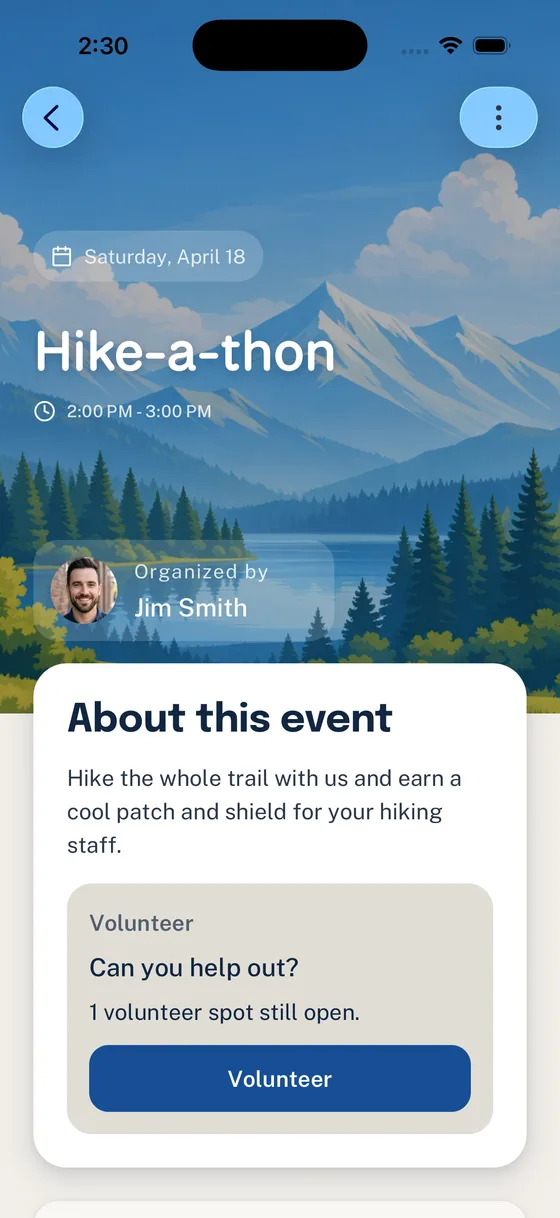
Publish one event description with arrival, pickup, location, cost, gear, forms, weather, and the update owner.
Write the event families needA stream of replies never becomes a headcount.
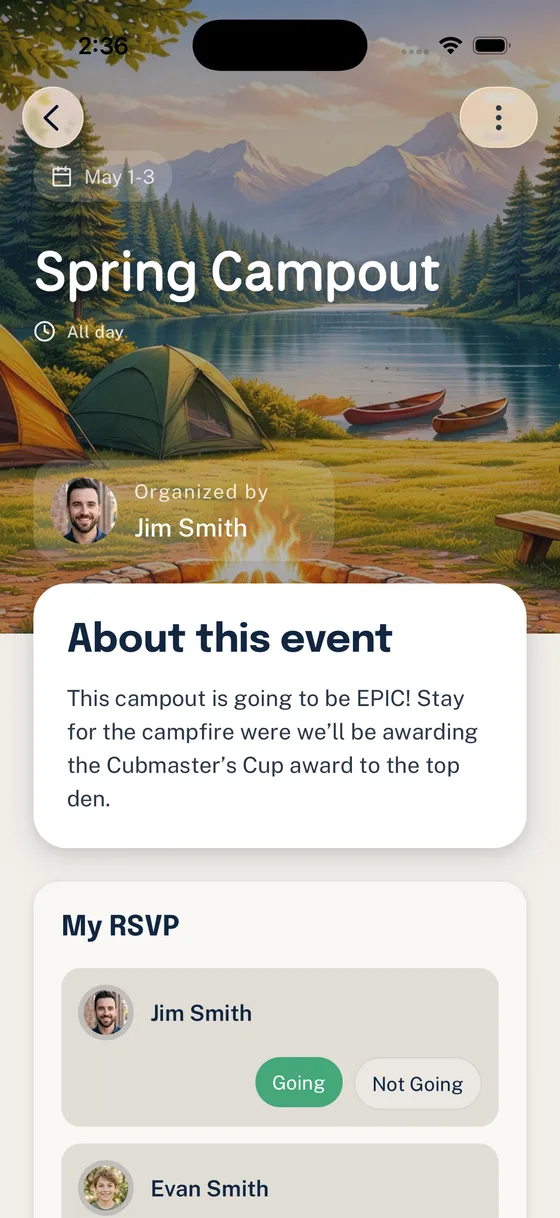
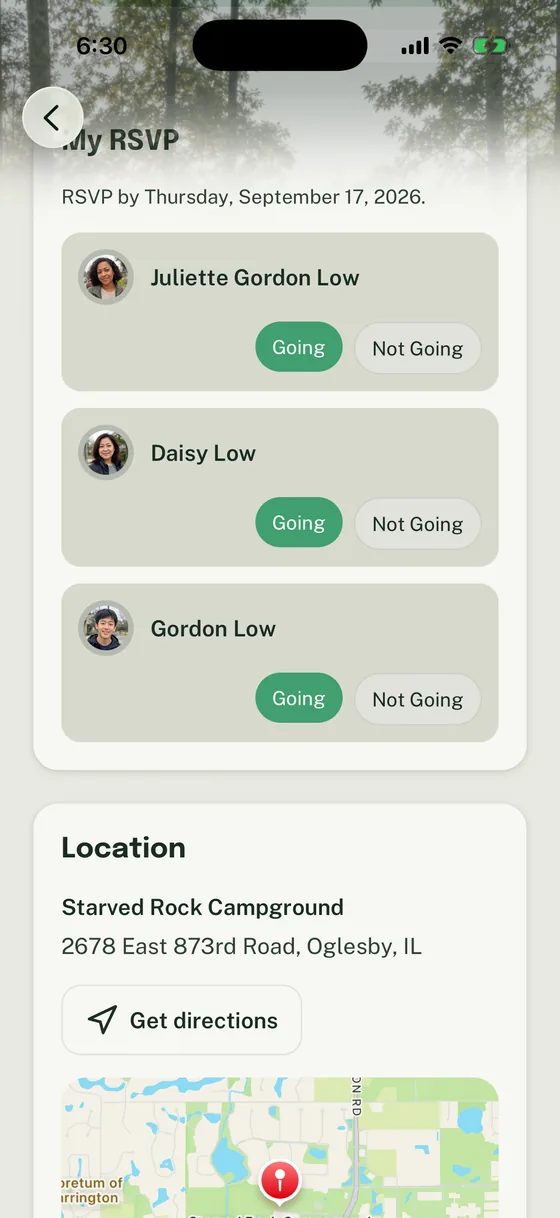
Set a real deadline, collect a household-level answer, and separate Going, Not Going, and No Response follow-up.
Build a usable RSVPForms, drivers, gear, and volunteers drift into side threads.
Give each dependency an owner and approved system, then keep the deadline and status attached to the event plan.
Use the event-readiness checklistThe last week becomes a broadcast to everyone.
Review the current count, narrow follow-up to the families or owners who need it, and post one final logistics update.
See the countdown rhythmFollow the path that fits your unit.
- Path 01
Plan the season
Give families an annual view, then review the next 60 to 90 days every month so changes surface before they become emergencies.
- Path 02
Build one dependable event
Start with a complete description, a useful RSVP, and visible owners for the jobs that make the activity possible.
- Path 03
Close the high-stakes details
Keep policy-sensitive records in the approved process while the event plan makes deadlines, transportation, and family preparation visible.
Keep these guides handy.
- Scout Event Planning Checklist: From Calendar Invite to Final Headcount
Turn a calendar date into a ready-to-run activity with clear details, owners, and deadlines.
- How to Run Scout RSVPs Without Chasing Every Family by Text
Turn household responses into a dependable count without texting every family again.
- Scout Trip Transportation Plan: Drivers, Seats, Check-Ins, and Contingencies
Build a privacy-aware working manifest and a clear process for transportation changes.
- Summer Camp Countdown: What Families Need at 90, 60, 30, and 7 Days
Keep summer-camp families on track with a 90/60/30/7-day communication rhythm.
Plans families can trust.
Start with the guides that make the headcount, the form, and the final event update easier to confirm.
-
The Scout Event Run Sheet: A One-Page Plan for the Day Of
Use this one-page Scout event run-sheet template to assign handoffs, timing, family updates, and closeout tasks without turning the day into a script.
-
Scout Unit Coordination Toolkit
Print or download an annual-plan calendar, event-readiness tracker, transportation manifest, summer-camp countdown, and seven rollout email templates.
-
Summer Camp Countdown: What Families Need at 90, 60, 30, and 7 Days
A 90/60/30/7-day plan for sharing summer-camp dates, deadlines, forms, gear details, and final logistics with Scout families.
-
Scout Trip Transportation Plan: Drivers, Seats, Check-Ins, and Contingencies
Build a Scout trip transportation plan with a current manifest, seat-capacity check, departure and return checklist, and clear contingency ownership.
-
Run a Service Project in Woggle
Use Woggle to coordinate Scout service project RSVPs, volunteers, supplies, work assignments, reminders, weather updates, and follow-up.
-
Coordinate Drivers for a Troop Outing in Woggle
Use Woggle to coordinate troop outing drivers, household RSVPs, seat counts, departure details, volunteer roles, and reminders.
-
Run a Blue and Gold Banquet in Woggle
Use Woggle to coordinate a Blue and Gold banquet with RSVPs, meal counts, volunteer roles, reminders, and event details.
-
Run a Pinewood Derby in Woggle
Use Woggle to coordinate a Pinewood Derby with event details, RSVPs, volunteer roles, reminders, setup, check-in, and cleanup.
-
Woggle for Event Chairs
Learn how event chairs can use Woggle for Scout event details, household RSVPs, volunteer roles, reminders, and final headcount.
-
Create a Campout Event in Woggle
Set up a Scout campout event in Woggle with RSVPs, adult coverage, drivers, gear notes, forms, meal counts, volunteer roles, and reminders.
-
How Household-Aware RSVPs Work in Woggle
Learn how Woggle helps Scout units collect family-level RSVPs so leaders can get clearer headcounts without chasing every parent by text.
-
The Scout Unit Calendar Problem: Why Families Miss Events They Wanted to Attend
Learn why Scout unit calendars often fail families and how to make event dates, updates, RSVPs, and reminders easier to trust.
-
How to Collect Health Forms, Permission Slips, and RSVPs Without Three Spreadsheets
Learn a simpler workflow for tracking Scout RSVPs, permission slips, health form status, and event readiness without scattered spreadsheets.
-
Scout Event Planning Checklist: From Calendar Invite to Final Headcount
Use this Scout event planning checklist to organize details, RSVPs, reminders, volunteers, forms, and final headcounts without scattered messages.
-
How to Plan a Cub Scout Campout Without Losing Track of Everything
A practical Cub Scout campout planning checklist for RSVPs, gear, meals, permission slips, volunteers, reminders, and family communication.
-
How to Run Scout RSVPs Without Chasing Every Family by Text
Learn a simple Scout RSVP workflow that helps leaders get reliable event headcounts without chasing every family through texts and group chat.
-
Permission Slip Template Checklist for Scout Activities
Scout permission slip guidance with a practical field checklist for timing, follow-up, and recordkeeping.






Also useful here.
Use these when the problem overlaps with another part of unit life.