
New units usually do not need a long product tour. They need a few straight answers before leaders ask families to change where they look for event details, RSVPs, and volunteer jobs.
What should we tell families Woggle is for?
Tell them Woggle is where the unit will keep the plan families need to act on.
That means:
- Events with the current time, location, notes, and RSVP expectation
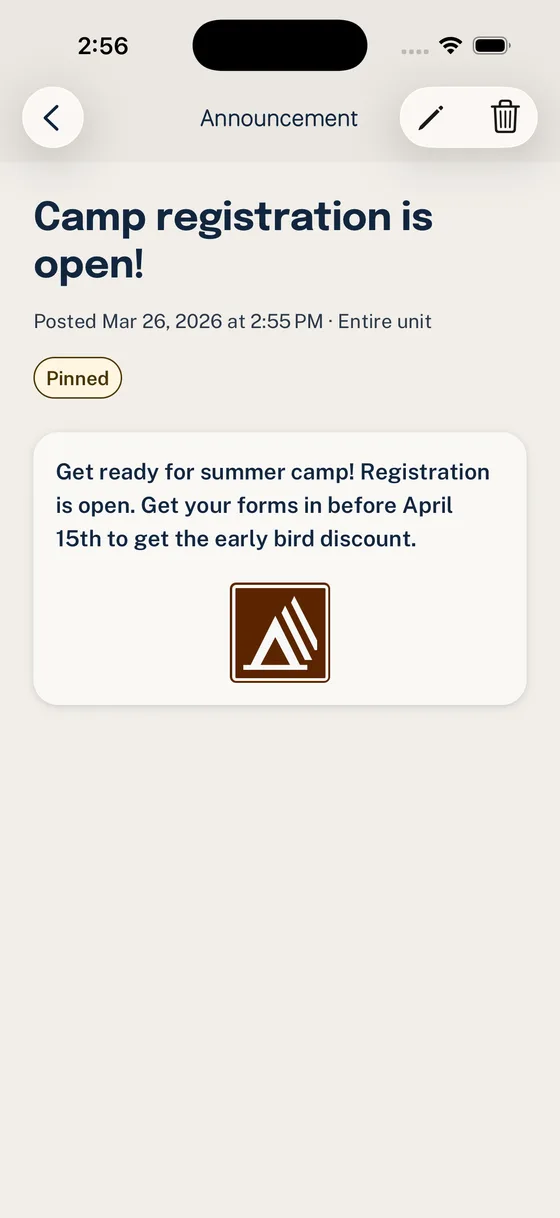
- Announcements that are important enough to find later
- Household RSVPs so leaders can plan around families, not scattered replies
- Groups for dens, patrols, committees, and other recurring audiences
- Volunteer roles attached to the Event where the help is needed
Do not introduce Woggle as “our new app for everything.” That makes parents brace for another place to check. Give it a narrow job first: the next activity.
Does Woggle replace Scoutbook?
No.
Scoutbook, Scoutbook Plus, council systems, Girl Scout systems, and other official tools keep their own roles for records, advancement, registration, reporting, and workflows your unit is expected to maintain there.
Woggle is for the coordination around unit life: the practical details, responses, reminders, Groups, Announcements, and volunteer follow-through that usually spill into texts and spreadsheets.
If a parent asks where the official record lives, do not answer “Woggle.” If they ask where to RSVP for the campout your unit just published in Woggle, send them to the Event.
For the fuller boundary, read Scoutbook vs. Woggle: What Goes Where.
Can we keep using GroupMe, email, or texts?
Yes. Most units should not try to replace every habit at once.
The cleaner rule is:
| Use this for | Best place |
|---|---|
| Advancement and official records | Scoutbook, Scoutbook Plus, or the required official system |
| Current event plan, RSVP, and volunteer jobs | Woggle |
| Quick back-and-forth or social conversation | The channel your unit already uses |
The trouble starts when a chat thread becomes the only place to find the final arrival time, driver count, RSVP deadline, or signup list.
Can Girl Scout troops use Woggle?
Yes. Woggle is built for Scout-unit coordination patterns: troops, packs, dens, patrols, committees, service units, parent groups, and event teams.
Woggle is independent. It is not affiliated with or endorsed by Scouting America, Girl Scouts of the USA, local councils, chartered organizations, or service units. Your unit still decides which official systems and policies apply.
What should we set up before inviting families?
Set up less than you think.
Before the first broad invite, have these ready:
- A Unit name families recognize.
- One primary admin and one backup.
- The Groups families actually need right now.
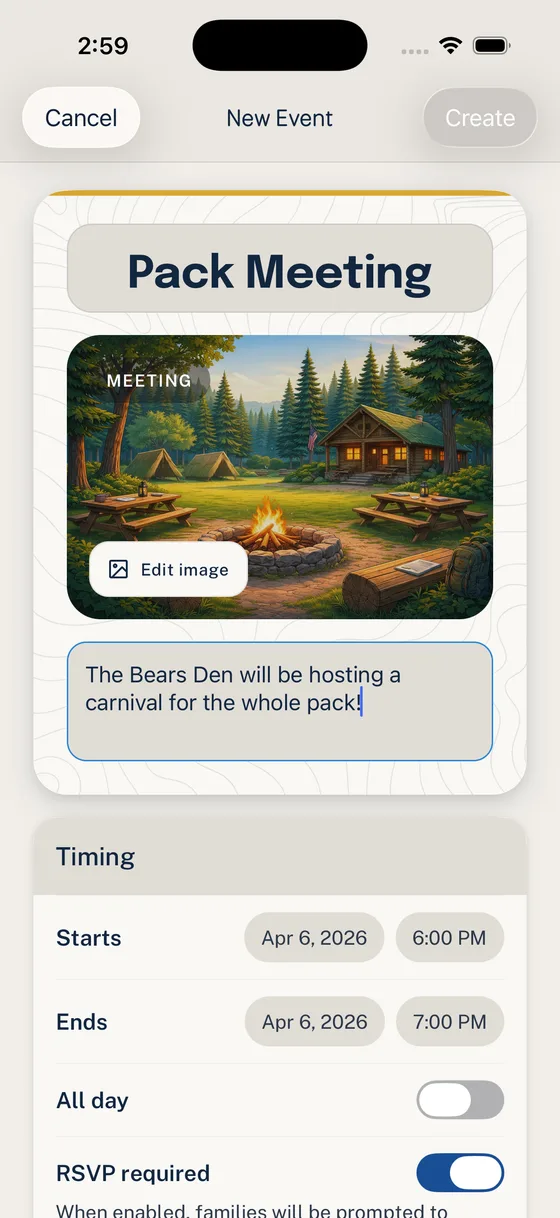
- One real Event with time, location, RSVP expectation, and useful notes.
- One Announcement that points families to that Event.
- A person who will fix Invite and Household problems during rollout.
Skip the perfect taxonomy. If a Group will not receive a different Event, Announcement, or volunteer ask soon, wait.
For the full setup path, use Woggle Quick Start for Unit Admins.
Does adding someone to a Household join them to the Unit?
No. Your Household keeps family profiles together across Units. Each person needs their own participation in the selected Unit. A linked account, submitted request, or registered status does not by itself grant access. Use Join as a family for an initial request and Manage your Household for later changes.
Families can track each person’s result. Unit Admins review family requests, including any remaining account-link or follow-up step.
Does Woggle register members with the Scouting organization?
No. Registration status in Woggle records the Unit’s understanding of official registration. Complete registration in the organization’s official system.
How do Household RSVPs work?
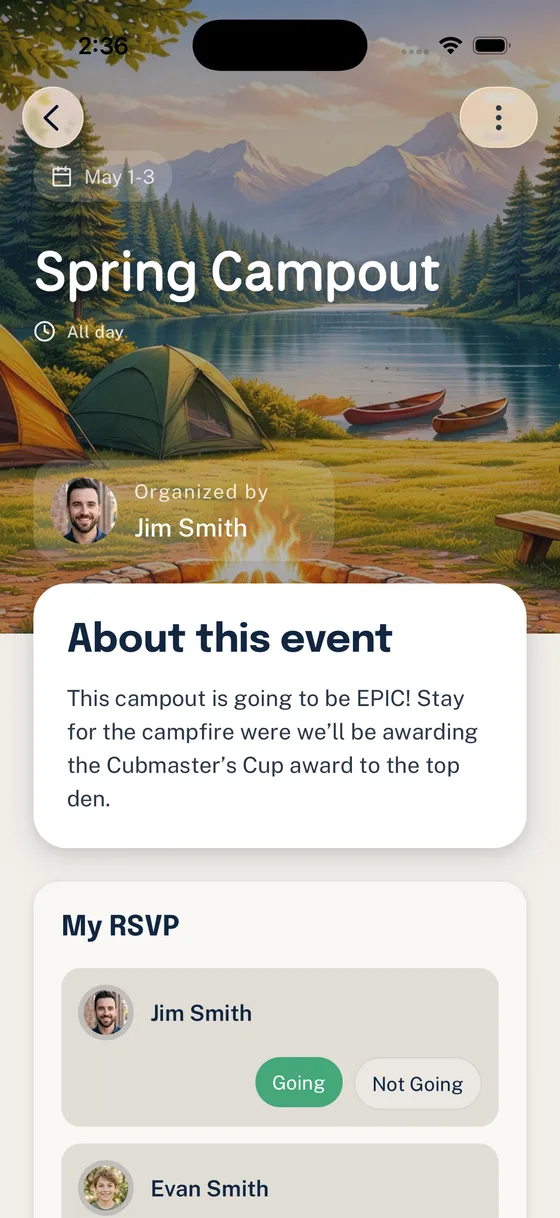
A Household RSVP should answer the question leaders actually have: which family members are coming, and what does that mean for the plan?
For a campout, the useful answer might be one Scout attending with one parent. For a pack meeting, it might include siblings. For a service project, the response may affect tools, transportation, or supervision.
RSVPs do not replace attendance records, medical forms, permission slips, or advancement records. They give leaders a better working count before the activity.
Can we target dens, patrols, committees, or Groups?
Yes. Use Groups for audiences that need their own ongoing context.
Good first Groups are usually:
- pack-wide or troop-wide
- active dens or patrols
- committee
- adult leaders
- a recurring event or volunteer team
Do not create a Group for every temporary question. If the audience only needs one update, use an Event, Announcement, or the channel your unit already expects for quick conversation.
For a deeper setup guide, read How to set up Groups and Channels.
What if only some parents join at first?
That is normal. Adoption usually follows usefulness.
Do not announce every feature and hope families explore. Tie the first invite to a real action:
- “RSVP for Saturday’s hike.”
- “Check the campout packing note.”
- “Claim one setup or cleanup role.”
- “Read the location change before Friday.”
During the first few weeks, watch for the problems that block families:
- Invite went to the wrong email or phone number.
- One parent joined but another guardian still needs access.
- The Household has a duplicate or missing youth record.
- A family is in the Unit but not the right Group.
- A leader is still posting final details in chat instead of updating the Event.
Fix those quickly. A family that gets helped the first time is more likely to trust the new habit.
Give joining families the quick start for parents and guardians for the current Invite, Household, RSVP, Announcement, and volunteer path.
Who should be the unit admin?
Choose the adult who will keep the coordination system clean, not necessarily the adult who likes apps most.
A good first admin can:
- create or update Events without burying key details
- understand which Groups should exist
- help families with Invites and Household questions
- keep official-record boundaries clear
- say no to unnecessary complexity
Have one backup. Avoid giving admin access to every helpful adult. Event chairs, den leaders, committee members, and volunteers may need different access depending on the job.
For permission decisions, read Roles and Permissions in Woggle.
Can older Scouts have accounts?
Maybe, if the unit, parents or guardians, and applicable policies support that setup.
Do not treat youth access as a default rollout step. Decide what older Scouts need to do in Woggle first. Seeing an Event, reading an approved Group update, or participating in a youth-leadership context is different from opening private side channels.
Before enabling youth-facing access, review current Scouting America, Girl Scouts, council, service-unit, chartered organization, and unit expectations. Woggle can support safer communication patterns, but it does not replace Youth Protection training, mandated reporting duties, adult supervision, or unit judgment.
For a deeper review, read Member Accounts for Older Scouts and How Woggle Thinks About Youth Safety.
How does Woggle handle youth-safety expectations?
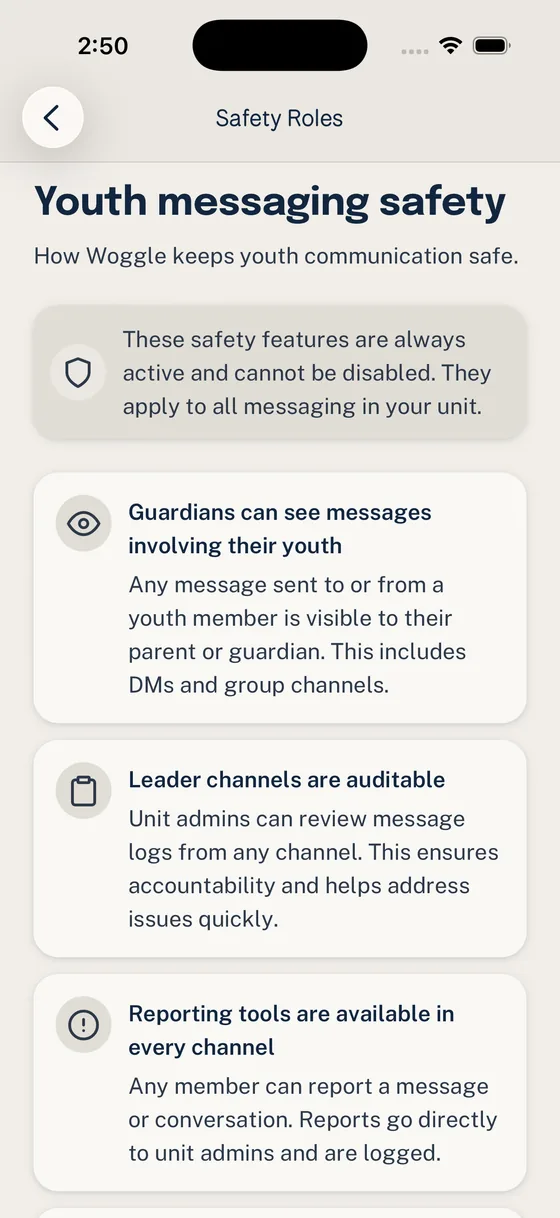
Woggle is designed around visible unit contexts: Households, guardian visibility, Groups, Events, Announcements, role-aware permissions, and communication settings leaders can review.
That helps, but no app can make a unit compliant by itself. Leaders still need to follow current official guidance and local expectations.
If a situation involves suspected abuse, harassment, emergency risk, sensitive personal information, or anything beyond ordinary coordination, use the official reporting and escalation path your organization requires.
What can we send to families?
Keep the first note short. Tell families what changed, what did not change, and what they need to do next.
Once families use Woggle for one real Event, the next explanation gets easier: “Check Woggle for the current plan.”
For a visual walkthrough, continue to the Woggle product tour. For the boundaries behind the short answers, read What Woggle Does Not Do.
