
01
Event details stay clear
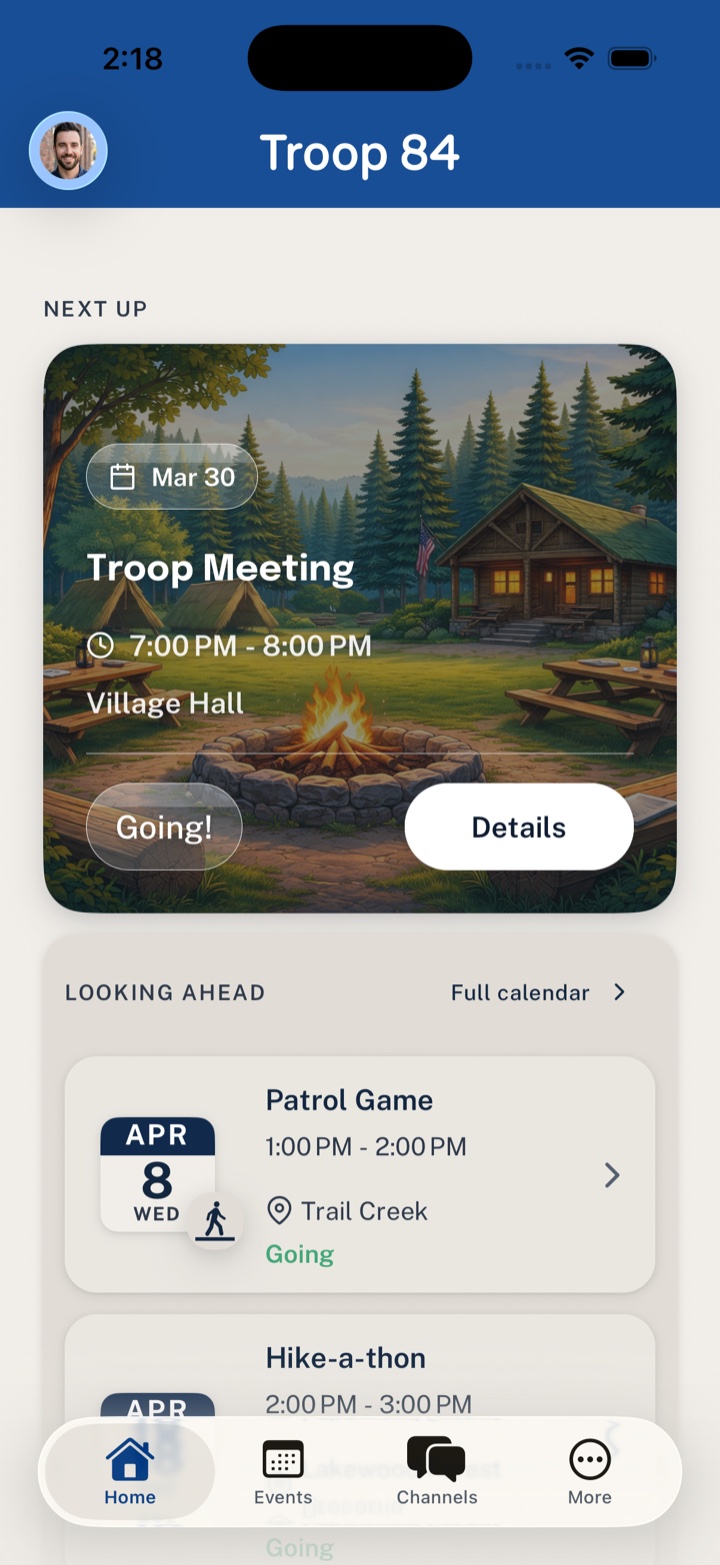
Schedules, locations, changes, and next steps stay tied to the event instead of scattered across threads.
Get the Scout unit coordination app that gives leaders, families, and volunteers one calmer place for events, RSVPs, updates, and the jobs that keep unit life moving.
Choose your app store
Install Woggle from the store that matches your phone.


Available now on the App Store and Google Play.
No waitlist. Download now, then use an invite link or start your unit setup.

Why download
Woggle keeps the everyday unit details easier to find, answer, and follow through on.
01
Schedules, locations, changes, and next steps stay tied to the event instead of scattered across threads.
02
Household-aware RSVPs help leaders understand attendance without stitching together duplicate replies.
03
Open roles remain connected to the event so families can claim help and leaders can spot gaps sooner.
Woggle keeps setup short whether you are joining from an invite or leading the rollout.
01
Install Woggle from the App Store or Google Play on the device you use for unit coordination.
02
Sign in and set up your profile so your household and unit context can stay clear.
03
Use an invite link from your unit, or start the setup flow if you are leading the rollout.
If you are comparing tools or wondering how setup works, these are the short answers.
Yes. Woggle is available for iOS and Android through the App Store and Google Play.
Yes. Woggle focuses on coordination: events, attendance, announcements, and volunteer follow-through. It does not require replacing every other system your unit already depends on.
Yes. Families can install Woggle and use a unit invite link to land in the right setup path.
Install the app and give your unit one place for event details, RSVPs, volunteers, and family logistics.