Departure is fifteen minutes away. Two seats disappear when a driver has to cancel. A parent assumes their Scout is riding with someone else. The emergency-contact sheet is in a different car.
None of those problems are fixed by a longer driver list. A usable Scout trip transportation plan names the current riders and vehicles, counts seats after each driver’s own household is included, sets one meeting and return plan, and assigns someone to make changes when the plan breaks. This guide gives you a lightweight way to do that without turning a unit outing into a public spreadsheet of personal information.
Start with Scouting America’s current Transportation guidance and the SAFE Checklist. They cover requirements and risk planning; local law, council guidance, and your unit’s approved process may add to them. This article is an operating template, not a substitute for those requirements.
Build the trip around decisions, not rides
Before asking who can drive, settle the decisions that change the transportation plan:
- What is the official event, destination, activity, and applicable guidance?
- Who owns the transportation plan and who is the backup contact?
- Is there one meeting point or separate departure groups?
- What does each family need to confirm: attending people, adult attendance, driver availability, or a pickup-only return?
- When does the count lock, and what is the last responsible moment to change it?
The SAFE framework explicitly calls for planning safe travel, checking activity guidance and risks, and making contingency plans for changing conditions and communication. Keep policy checks in the unit’s approved recordkeeping process; keep only the minimum coordination details in the working plan.
For example, a Saturday hike might need a trailhead meeting point, a 7:45–8:00 a.m. arrival window, and a return update owner. An overnight campout may need separate gear capacity and a later pickup window. A museum trip may have one outbound driver pool but a different set of adults available after the exhibit. Those are three different plans even if every family says, “We can drive.”
Ask for availability before assigning seats
An early driver question should collect options, not promise a ride. “I can drive” leaves too much unresolved. Ask the transportation coordinator to confirm, through the unit’s approved process:
- Which leg the adult can drive: outbound, return, both, or gear only
- The number of usable passenger seats after their own household is counted
- Arrival or pickup constraints that affect the meeting window
- Whether the adult is a backup rather than part of the base plan
Do not publish driver eligibility, license, insurance, health, or emergency-contact details in an event post or shared template. The Guide to Safe Scouting transportation page is the current source for driver, vehicle, seatbelt, inspection, and supervision requirements. The coordinator should verify those requirements through the right unit and council channels before assigning anyone.
Use one living manifest
The working manifest is a coordination tool, not an official record. Keep it with the outing leader and the backup owner, update it whenever attendance or driver availability changes, and share only the version and fields each person needs.
Copyable transportation planning template
EVENT AND OWNERSHIPEvent / date:Destination and activity:Transportation coordinator:Backup coordinator:Official transportation and activity guidance checked by:
MEETING AND RETURNMeeting point and arrival window:Departure target:Destination arrival check-in owner:Return departure trigger and pickup window:Where families will find changes:
SEAT-CAPACITY WORKSHEETVehicle / driver | Trip leg | Seats after own household | Assigned riders | Open seats | Status--------------- | -------- | ------------------------- | --------------- | ---------- | ------Vehicle 1        | Both     | 3                         | 2               | 1          | ConfirmedVehicle 2        | Outbound | 2                         | 2               | 0          | ConfirmedVehicle 3        | Return   | 4                         | 2               | 2          | Confirmed
PRIVATE RIDER ASSIGNMENT RECORD (COORDINATOR AND BACKUP ONLY)Rider identifier | Outbound vehicle | Return vehicle | Change status---------------- | ---------------- | -------------- | -------------Rider A          | Vehicle 1        | Vehicle 1      | ConfirmedRider B          | Vehicle 2        | Vehicle 3      | ConfirmedRider C          | Vehicle 1        | Vehicle 1      | ConfirmedRider D          | Vehicle 2        | Vehicle 3      | Confirmed
MANIFEST CHECK- Each attendee is assigned to one vehicle for each needed leg.- The private rider assignment record identifies each attendee's outbound and return vehicle.- Each vehicle has a named adult driver and confirmed seat count.- The total assigned riders does not exceed confirmed available seats.- The coordinator and backup have the current version.- Official records and sensitive information remain in the approved process.
CONTINGENCY PROMPTS- If a driver cancels before departure, who contacts the affected families and who rebalances seats?- If a family arrives late, do they meet the group later, use a backup vehicle, or sit out?- If weather or route conditions change, who decides whether to delay, reroute, or cancel?- If returns split, who confirms each return group has departed and who sends the family update?
The seat worksheet deliberately uses capacity, assignments, and status—not names, phone numbers, or medical information. Keep the rider assignment record private to the coordinator and backup, use only the identifier your approved process allows, and do not publish it in an event post or group message.
Make check-ins quiet and decisive
Check-ins are valuable when they close a decision. They become noisy when every vehicle sends a running commentary to a group chat.
Use a small communication rhythm instead:
- The coordinator confirms the final manifest before departure.
- Each vehicle lead sends one direct “departed” confirmation to the coordinator if the plan calls for it.
- One designated person confirms the group has arrived or that the route plan changed.
- The coordinator sends families one clear update only when it changes what they need to do.
That can mean a single “All vehicles have arrived; the return pickup window remains 4:30–4:45” update rather than six separate arrival messages. For an activity with a weather hold, the message should say who is deciding, when the next update will come, and where the current plan lives.
The failure mode to plan for
The common failure is treating the first count as final. Consider a campout with 14 confirmed riders and five seats still open on paper. At 7:20 a.m., one driver is delayed and another family arrives with an additional adult who was not in the plan. A chat thread now has three competing ride offers, no one knows which rider moved, and the return trip was never checked.
The recovery is not “ask everyone again.” The coordinator pauses departure, works from the latest manifest, confirms which riders and seats actually changed, then sends one decision: revised vehicle assignments, a delayed departure, or a different participation plan. If the transportation and supervision requirements cannot be met, do not improvise around them—use the current official guidance and unit process to decide the next step.
Day-of departure and return checklist
- Recheck the current event plan, weather or route conditions, and the official requirements that apply to this activity.
- Confirm each attending person has a vehicle assignment for the applicable trip leg.
- Compare assigned riders with confirmed available seats; do not count tentative offers.
- Confirm the meeting point, arrival window, destination check-in, and return window are still correct.
- Name the coordinator, backup, and the one communication channel for changes.
- Complete required vehicle checks, records, permissions, and health or safety steps through the approved process.
- Before return, repeat the seat and rider check; do not assume the outbound grouping still works.
- Send families one concise arrival or changed-plan update from the designated owner.
Keep the plan connected in Woggle
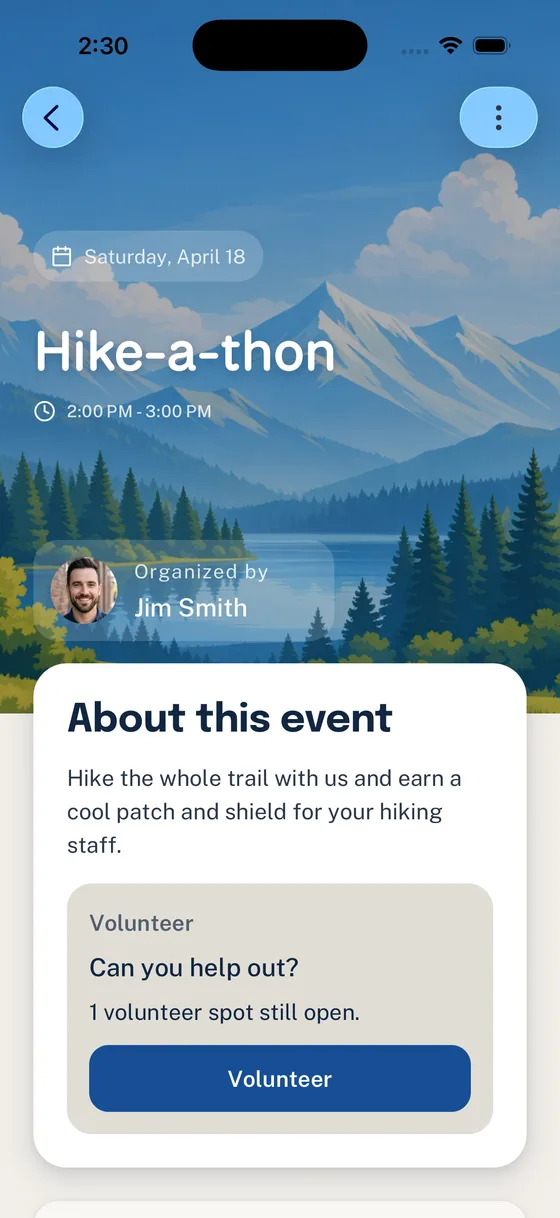
Woggle can support the coordination layer: use an Event for the outing details, Household RSVPs to understand who is attending, volunteer roles for a specific driver or gear need, and targeted event communication for the deadline or final update. It does not verify drivers, vehicles, credentials, insurance, or compliance, and it should not become the official transportation record.
If your unit is already using the app, the product guide Coordinate Drivers for a Troop Outing in Woggle shows how to keep that context attached to one Event. For the larger event workflow, use the Scout event planning checklist, and keep permission and record handling in the process described in the permission-slip checklist.
The restrained next step is simple: use the template on the next outing, then improve the one decision that caused the most last-minute confusion.
Download the working manifest
Use the editable transportation manifest CSV or printable manifest PDF. Before adapting either file, review the privacy boundary and current official transportation sources above.