Use this guide when a Cub Scout pack is coordinating a Pinewood Derby in Woggle. The practical goal is to put the race plan, RSVP count, volunteer jobs, and reminders in one Event so families do not have to piece together race day from scattered texts.
Woggle is not a race-management system, scoring tool, advancement record, official forms system, or replacement for pack policy. Use it as the coordination layer around the Derby: who is coming, what families need to know, and which adults have claimed the jobs that make the event run.
What You Will Do
- Create one Pinewood Derby Event families can recognize
- Add the timing, location, check-in, car inspection, and race-day notes
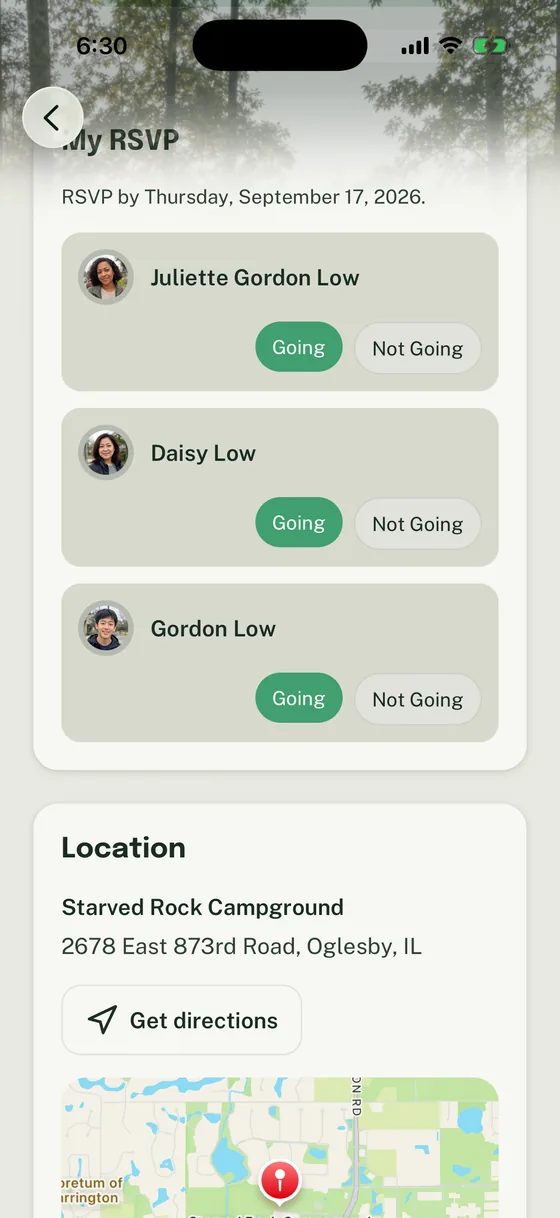
- Ask for Household RSVPs so the pack has a usable headcount
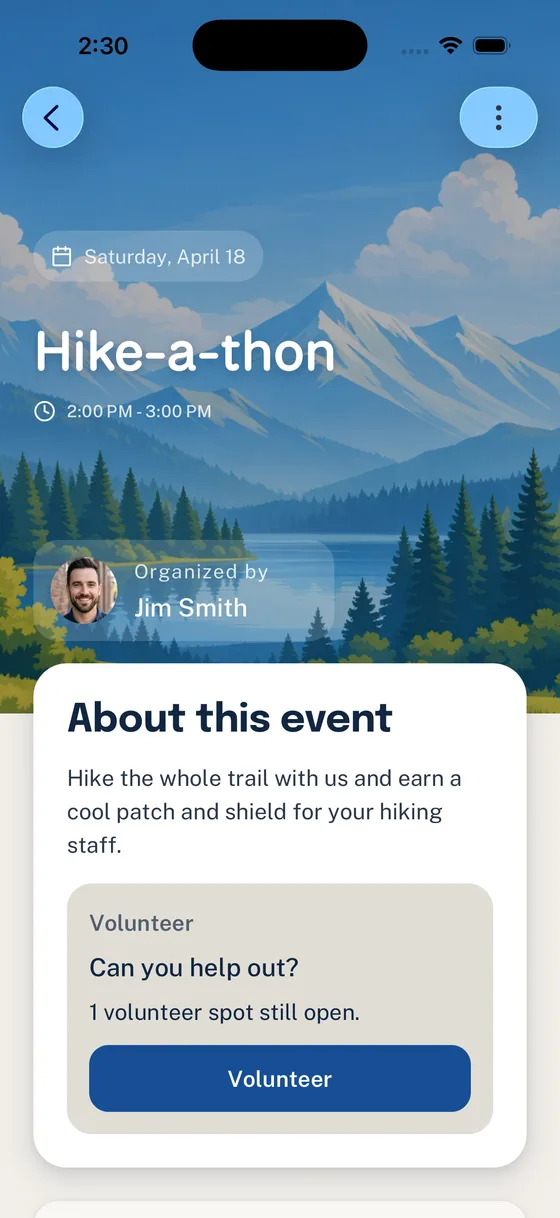
- Add volunteer roles for setup, check-in, concessions, judging support, and cleanup
- Send short Announcement reminders that point back to the Event
- Check open roles and missing RSVPs before race day
Before You Start
Gather the Derby plan before opening the Event form.
| Prepare this | Use it for |
|---|---|
| Race date, arrival time, and start time | Helping families plan the day |
| Location, parking, and entrance notes | Reducing arrival questions |
| Car check-in or inspection window | Preventing last-minute confusion |
| RSVP deadline | Giving the Derby chair a usable count |
| Food, concessions, or snack plan | Planning purchases and volunteers |
| Volunteer jobs | Turning “we need help” into claimable roles |
| Pack rules or official Derby packet | Keeping rules in the approved source |
| Race-day owner | Giving families one contact for logistics |
If your pack has official Pinewood Derby rules, weigh-in requirements, safety expectations, or council/unit guidance, keep those in the approved packet or process. Link or summarize only what families need to find the right information.
Step 1: Build the Derby Event
Create an Event with a title parents will recognize quickly:
- Pack 312 Pinewood Derby
- Pinewood Derby Check-In and Race Day
- Bear Den Pinewood Derby Workshop
- Pinewood Derby Setup Night
The main Derby Event should answer the questions families ask first:
- When should cars arrive for check-in?
- When does racing begin?
- Where should families park or enter?
- Are siblings or guests invited?
- Should families bring chairs, snacks, water, or completed cars only?
- Where are pack rules, car specifications, or inspection notes?
- Who should families contact if plans change?
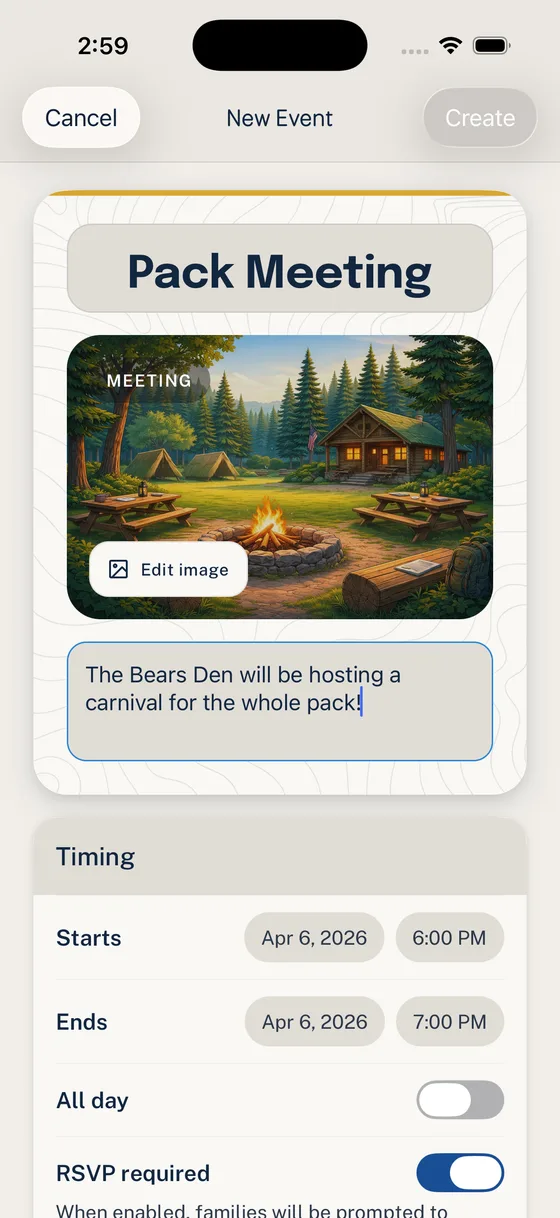
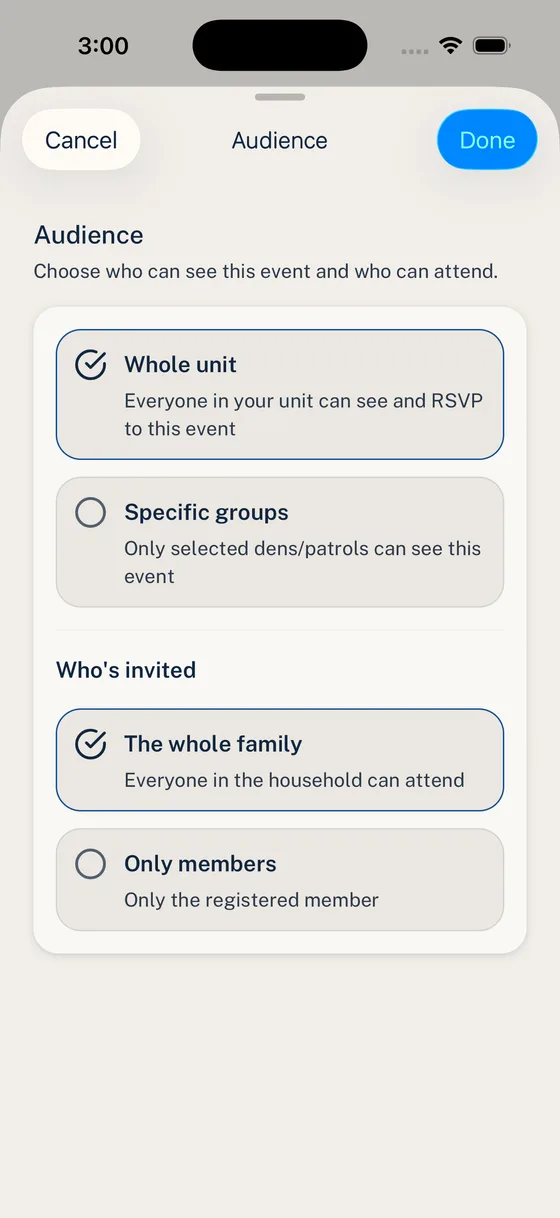
Choose the audience deliberately. A full-pack Derby usually belongs to the whole Unit. A workshop, setup night, or den-specific prep session may belong to a smaller Group.
For a full first Event walkthrough, use Run Your First Event End to End.
Step 2: Ask for the Right RSVP
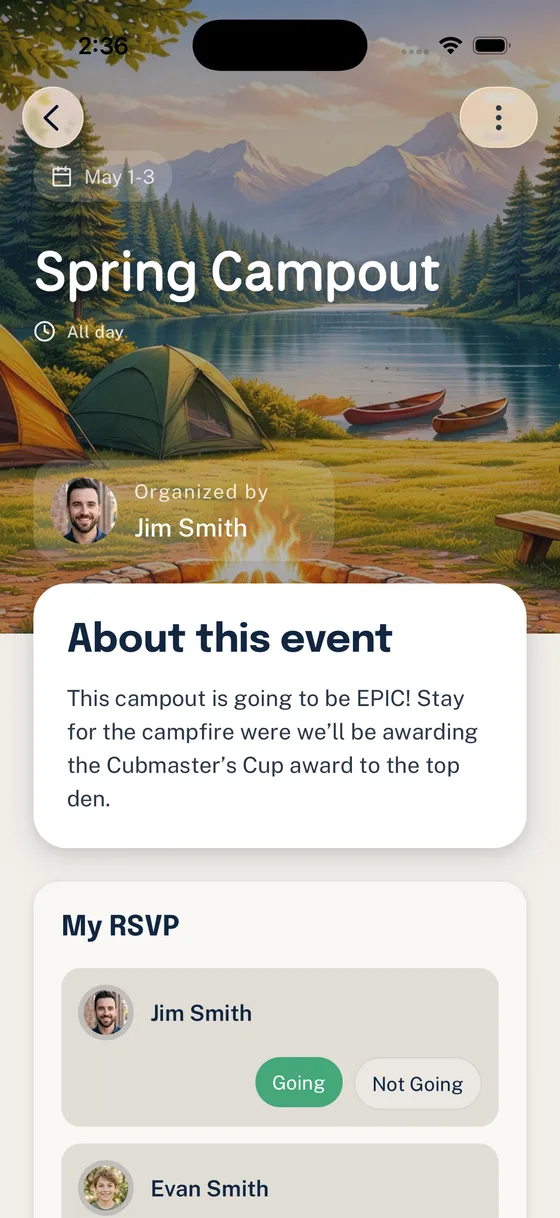
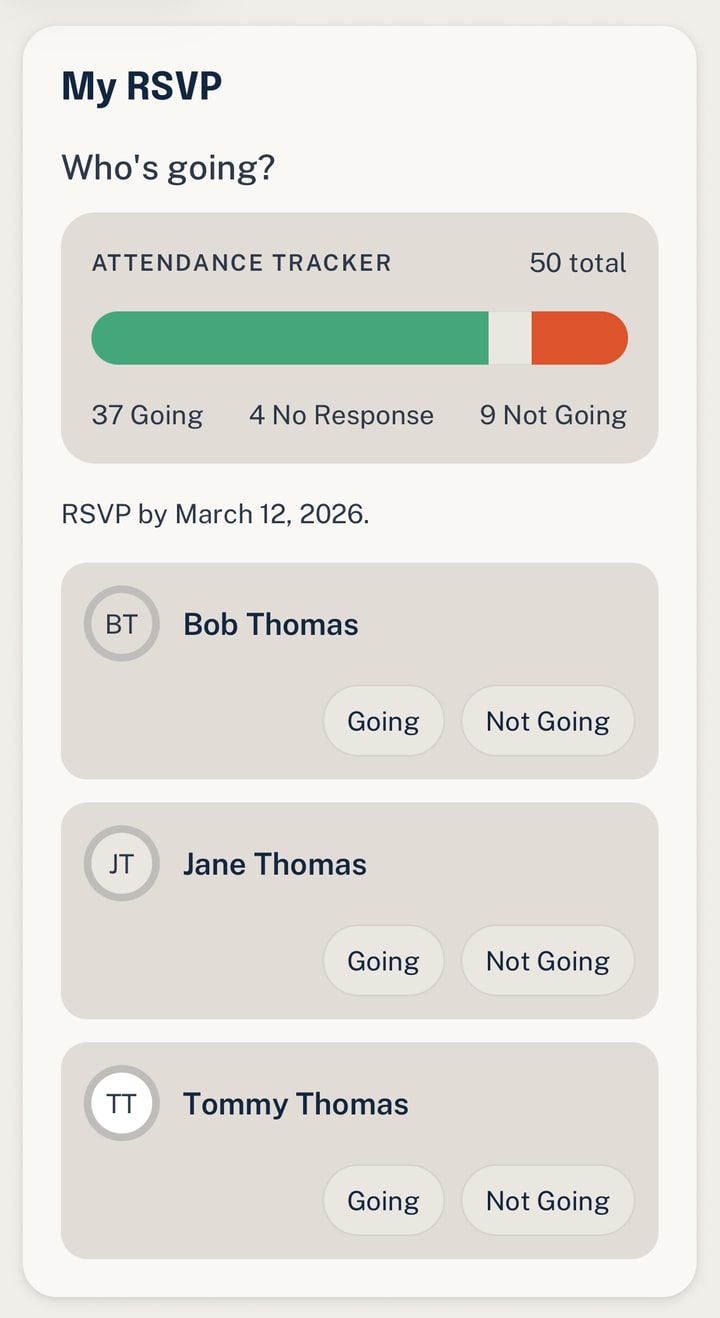
For a Derby, the RSVP usually helps the pack plan seating, check-in flow, food, station coverage, and whether the room can handle the expected crowd. Say what the RSVP means.
Use plain instructions:
- “Please RSVP by Tuesday night.”
- “Mark each Scout who is racing as Going.”
- “Include adults or siblings if your pack uses the RSVP for room or food count.”
- “Reply Not Going if your family cannot attend so we can close the count.”
If the pack needs a separate car registration, payment, photo permission, or official form, keep that process separate and point to it from the Event description. Do not turn an RSVP into a promise that official paperwork is complete.
For more detail, use How Household-Aware RSVPs Work in Woggle.
Step 3: Add Derby Volunteer Roles
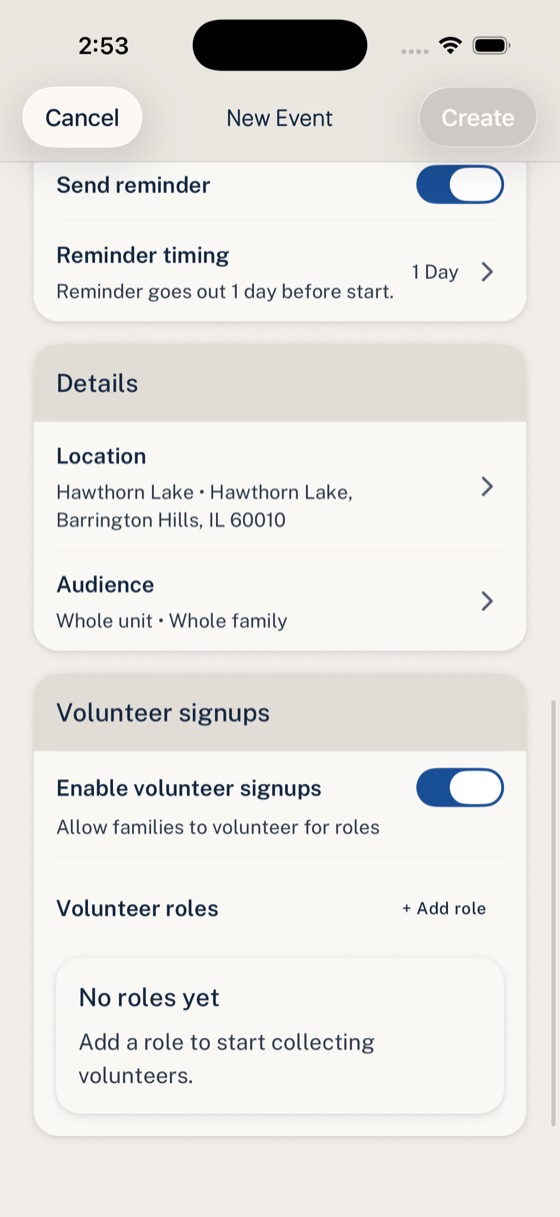
A Pinewood Derby usually needs visible adult ownership before race day. Add roles to the Event so families can claim real jobs while they are looking at the plan.
Good Derby roles include:
| Role | Useful expectation |
|---|---|
| Track setup | Arrive early to assemble or test the track |
| Check-in table | Help families sign in and direct cars to inspection |
| Car inspection support | Follow the pack’s approved inspection process |
| Pit area helper | Help families find where cars wait between races |
| Concessions or snack table | Bring or manage the snack plan |
| Heat runner | Help move cars through the race order |
| Awards table | Organize awards or recognition materials |
| Cleanup lead | Stay after racing to reset the room |
Keep policy-sensitive jobs narrow. If a role involves money handling, tools, judging rules, youth supervision, food safety, or venue requirements, state the expectation and follow your pack’s official process.
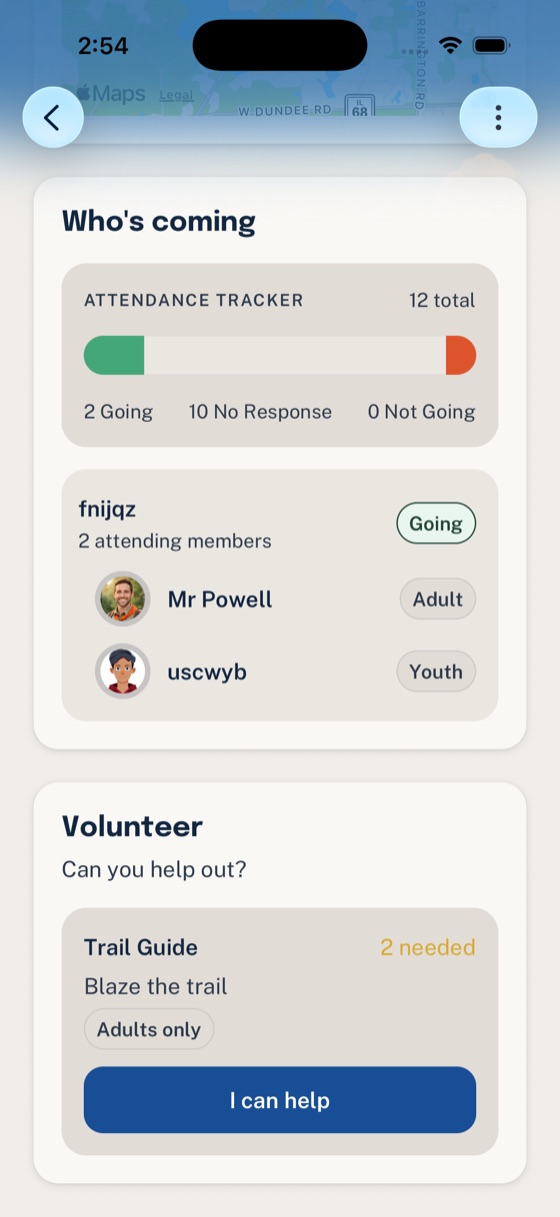
For the full role setup flow, use Add Volunteer Roles to an Event in Woggle.
Step 4: Send Reminder Announcements
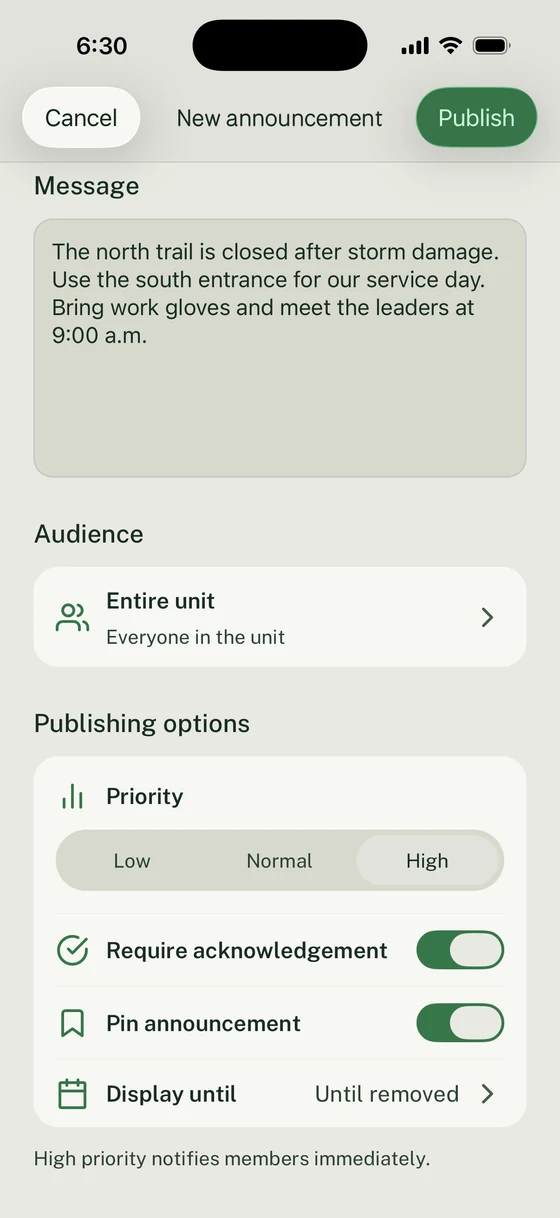
Use Announcements for reminders families should be able to find later: RSVP deadline, car check-in time, what to bring, open volunteer jobs, location changes, or final arrival instructions.
The Announcement should be short and should point back to the Event.
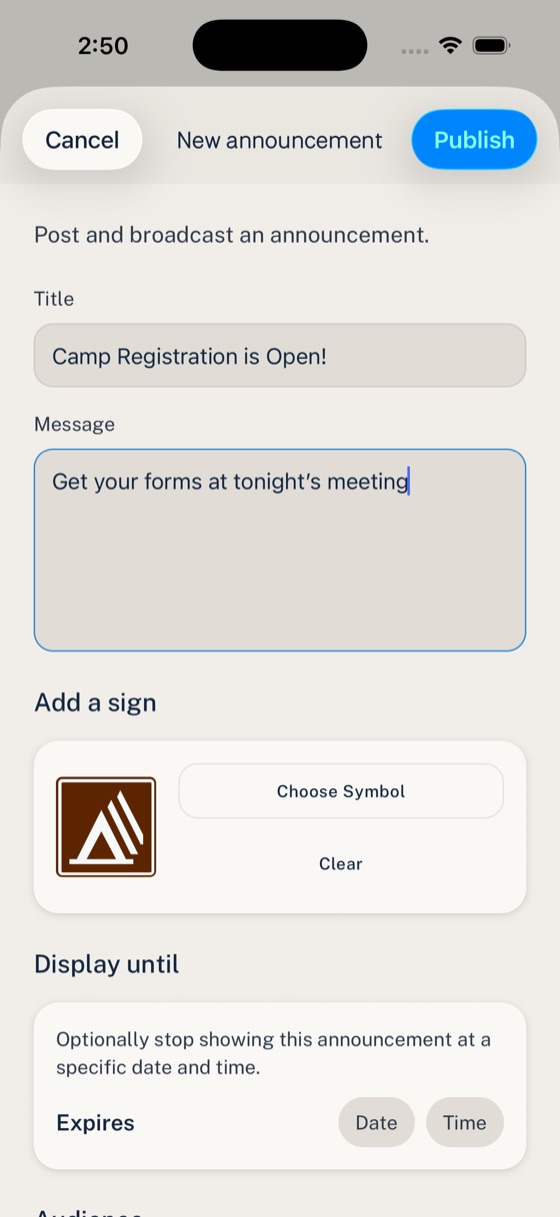
Copy/paste Derby reminder
Use the smallest audience that matches the action. A whole-pack Derby reminder may go to the whole Unit. A setup-night reminder may only need leaders, committee members, or the Derby team.
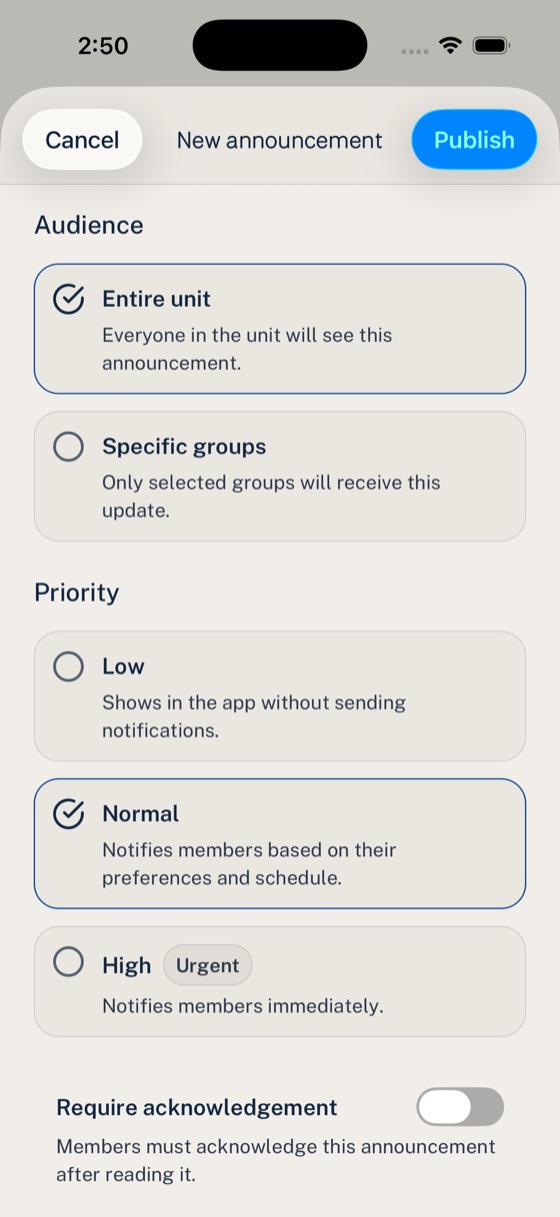
For Announcement details, use Send an Announcement in Woggle.
Step 5: Check Race-Day Readiness
A day or two before the Derby, use Woggle to check the coordination pieces that usually create last-minute work.
Look for:
- Families that have not answered the RSVP
- Open volunteer roles
- Check-in, setup, concessions, and cleanup owners
- Any Group-specific reminders still needed
- Whether the Event description matches the latest race-day plan
- Whether official pack rules or forms are linked or referenced correctly
- Which leader owns updates if the schedule changes
Do not treat Woggle as the final authority for race rules, advancement records, or official policy. It should make the coordination easier to see while the pack keeps official requirements in the right place.
Pinewood Derby Event Template
Paste this into your planning notes, then trim it for the Event description.
Event: Pack Pinewood DerbyDate:Car check-in opens:Racing begins:Expected end time:Location:Parking or entrance notes:
Who should attend:Can siblings or guests attend:RSVP deadline:
What families should bring:Car rules or inspection packet:Food, snack, or concession notes:Uniform or pack shirt expectation:
Volunteer needs:- Track setup:- Check-in:- Inspection support:- Concessions:- Race support:- Cleanup:
Primary contact:Where updates will be posted:
Pinewood Derby Volunteer Checklist
Before the final reminder goes out, check:
- Track setup and testing have an owner.
- Check-in has enough adults for the expected crowd.
- Car inspection expectations are stated in the approved pack process.
- Food, snacks, or concessions have a clear owner.
- Cleanup has at least one named lead.
- Awards or recognition materials have an owner.
- Open roles are visible on the Event.
- Reminder Announcements point back to the Event.
- Families know where race-day changes will be posted.
Common Mistakes
Using Woggle as the rulebook
Use the Event to point families to approved Derby rules. Do not bury important race requirements in a reminder that may drift from the official packet.
Asking for “help” instead of roles
“Derby volunteers needed” is easy to ignore. “Two check-in helpers, arrive at 8:30 AM” is easier for a parent to claim.
Letting RSVP mean too many things
An RSVP answers attendance. If your pack also needs car registration, payment, permission, or food choices, explain where that separate step happens.
Next Step
Create the Pinewood Derby Event, add two or three real volunteer roles, and send one Announcement that points families back to the Event. After families start responding, use the RSVP and open-role list to focus follow-up instead of sending the same reminder to everyone.