7 Rollout Email Templates for Unit Leaders

Copy, personalize, and send seven family-friendly messages for introducing Woggle, collecting RSVPs, setting communication expectations, and keeping rollout reminders clear.

A calmer first message

Sound like your unit, not a product campaign.

Each message is deliberately short: one warm introduction, three details families can scan, and one action to complete. Replace the bracketed details, remove anything your unit does not need, and send it through the channel families already recognize.

Replace the brackets
  • [Pack Number]
  • [Event Name]
  • [Leader Name]
  • [Date or Deadline]
  • [Woggle Link]
  1. 01 Choose the one message that matches the next real unit action. Do not send all seven at once.
  2. 02 Replace every bracketed detail, then read the message aloud once before sending.
  3. 03 Keep one source of truth: update the Woggle Event or Channel first, then send the reminder.

Template 01

Welcome to Woggle

Send this once the unit is ready and families have a working invite link.

Subject: Welcome to Woggle, [Pack Number] families

Hi [Pack Number] families,

We are starting to use Woggle to keep our unit's everyday coordination in one calmer place. It will give families a clearer home for Events, RSVPs, volunteer needs, and the updates that go with them.

Quick version:

  • Woggle is where we will keep current Event details and family RSVPs.
  • Important unit Announcements and reminders will point back to the right place.
  • We will help anyone who has trouble joining or connecting their Household.

One thing to do: Install Woggle and join [Pack Number] here: [Invite Link]

We will start with one useful action instead of asking everyone to learn every feature at once.

Thanks, [Leader Name]

Template 02

How to RSVP to Events

Send this with the first Event that needs an accurate family headcount.

Subject: Please RSVP for [Event Name]

Hi [Pack Number] families,

We are using Woggle to collect the headcount for [Event Name]. A Household RSVP helps leaders plan for the right number of Scouts, adults, food, seats, and supplies without chasing replies across several threads.

Quick version:

  • Open the [Event Name] Event in Woggle.
  • Choose your response and include the people attending from your Household.
  • Please respond by [RSVP Deadline], even if your answer is no.

One thing to do: Open [Event Name] and RSVP for your Household by [RSVP Deadline]: [Event Link]

If your Household does not look right, let us know and we will help fix it.

Thanks, [Leader Name]

Template 03

Channels & Notifications

Send this after families join and before regular unit updates begin.

Subject: How [Pack Number] will use Woggle Channels

Hi [Pack Number] families,

Now that families are joining Woggle, here is the simple plan for Channels and notifications. We want important unit information to be easy to find without making every conversation feel urgent.

Quick version:

  • Unit-wide updates will go in [Unit Channel Name].
  • Den, patrol, committee, or event-specific updates will stay with the matching Group or Event.
  • Notification settings can be adjusted, but please keep the unit's important updates enabled.

One thing to do: Open Woggle and review your notification settings before [Meeting Date].

If you are seeing messages for the wrong Group, tell us so we can correct the audience.

Thanks, [Leader Name]

Template 04

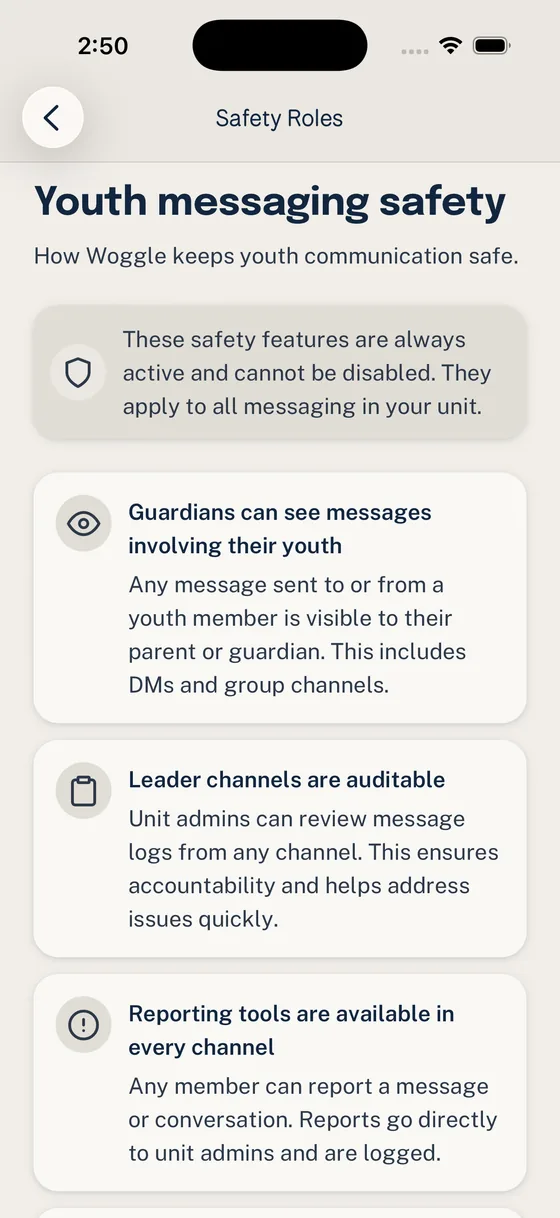
Youth Safety in Messaging

Send this before youth members begin participating in unit communication.

Subject: Our youth-safe messaging expectations

Hi [Pack Number] families,

We want communication in Woggle to follow the same visible, youth-safe habits we expect everywhere else. Woggle supports unit coordination, but it does not replace current youth-protection policies, training, reporting rules, or adult judgment.

Quick version:

  • Use official unit Groups and Channels for youth-related coordination.
  • Include the leaders, parents, or guardians required by your organization's current policy.
  • Keep private, medical, financial, behavior, and safety concerns out of group conversation.

One thing to do: Please review our current unit messaging expectations here: [Unit Safety Guidelines Link]

Questions about a sensitive situation should go through the unit's official, private reporting or support path.

Thank you, [Leader Name]

Template 05

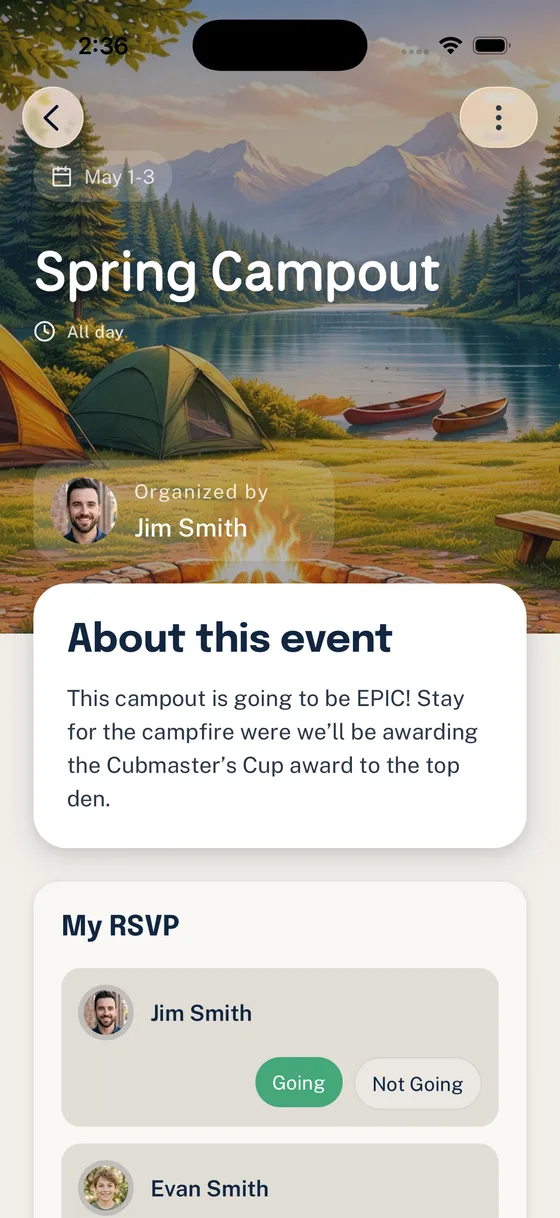
Campout Preparation Reminder

Send this a few days before the packing or RSVP deadline.

Subject: A quick [Event Name] preparation check

Hi [Pack Number] families,

[Event Name] is coming up, so here is the short version before everyone starts packing. The Woggle Event has the current schedule, location, gear notes, and RSVP list.

Quick version:

  • Meet at [Location] on [Campout Date and Time].
  • Review the packing list and weather note before leaving home.
  • Confirm the Household RSVP and any volunteer role by [RSVP Deadline].

One thing to do: Open [Event Name] and confirm your plans by [RSVP Deadline]: [Event Link]

Please use the Event as the current source if a reminder and an older message do not match.

See you there, [Leader Name]

Template 06

Dues / Payment Reminder

Send this privately or to the appropriate family audience before a known due date.

Subject: Friendly reminder: [Payment Name] is due [Due Date]

Hi [Pack Number] families,

Here is a friendly reminder that [Payment Name] is coming due. We are sharing the details early so families have time to take care of it without a last-minute surprise.

Quick version:

  • Amount: [Amount].
  • Due date: [Due Date].
  • Payment covers: [Short Description].

One thing to do: Please complete payment by [Due Date] here: [Payment Link]

Confidential help or payment questions are welcome through [Leader Name]; personal payment details should stay out of group messages.

Thank you, [Leader Name]

Template 07

Please Install the App Before the Next Meeting

Send this shortly before a meeting where leaders can help families finish setup.

Subject: Please install Woggle before our next meeting
Hi [Pack Number] families,

At our next meeting, we will use Woggle for one quick unit task together. Installing it ahead of time will let us spend the meeting helping anyone who gets stuck instead of waiting on downloads.

Quick version:

  • Install Woggle before [Meeting Date].
  • Join with the email or phone number your family uses for unit communication.
  • Bring your phone to the meeting if you would like help connecting your Household.

One thing to do: Install Woggle and join [Pack Number] before [Meeting Date]: [Install or Invite Link]

No need to explore every screen yet. We will walk through the first useful action together.

Thanks, [Leader Name]

Put the coordination work somewhere calmer.

Woggle gives Scout units one place for events, RSVPs, volunteer roles, and family logistics, so leaders are not rebuilding the plan in every thread.

Download Woggle Read the Woggle Story